Protect the technical thinking behind the code.
Architecture, debugging, implementation and review can require you to hold a working model of the system in your head. When that continuity breaks, complex work becomes harder to resume.
FlowQuota is a personal focus-intelligence system for individual developers. Place the Focus sessions you choose to record beside the structure of your week, understand the pattern and decide what to repeat, change or protect.

See what gives complex technical work room to hold together.
You already know which technical work needs sustained thought. Record the Focus you choose to give that work, then use the resulting evidence to see how it fitted into the week and what you may want to protect next.
Examine the weekly structure around complex work
Calendar Intelligence places selected meetings and commitments beside recorded Focus, helping you compare the week’s scheduled structure with the sessions you chose to record.
See where deliberate Focus went
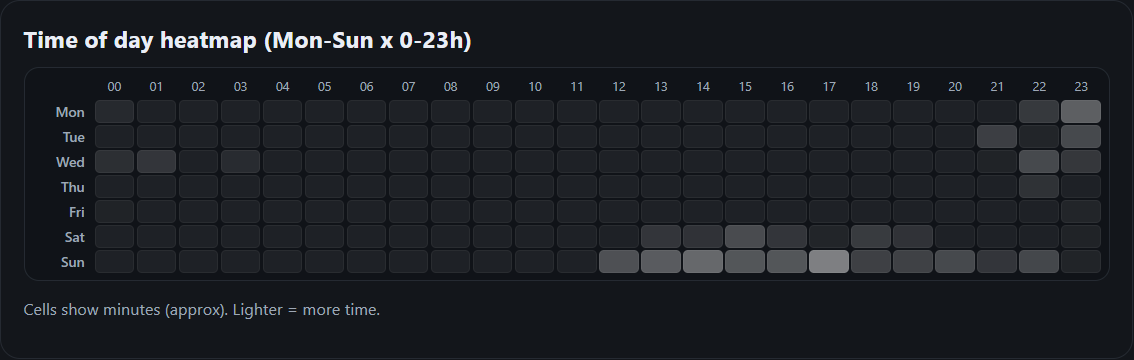
Reporting organises recorded Focus across projects, categories, days and times so you can inspect where the Focus you chose to record went without reconstructing the week from memory.
Read the recent pattern
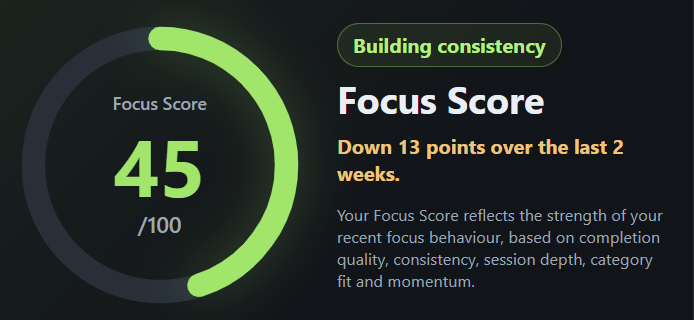
Focus Score summarises defined signals from the rolling 14-day window in a deterministic, non-AI score, with five components that show what is shaping the result.
Decide what to adjust next
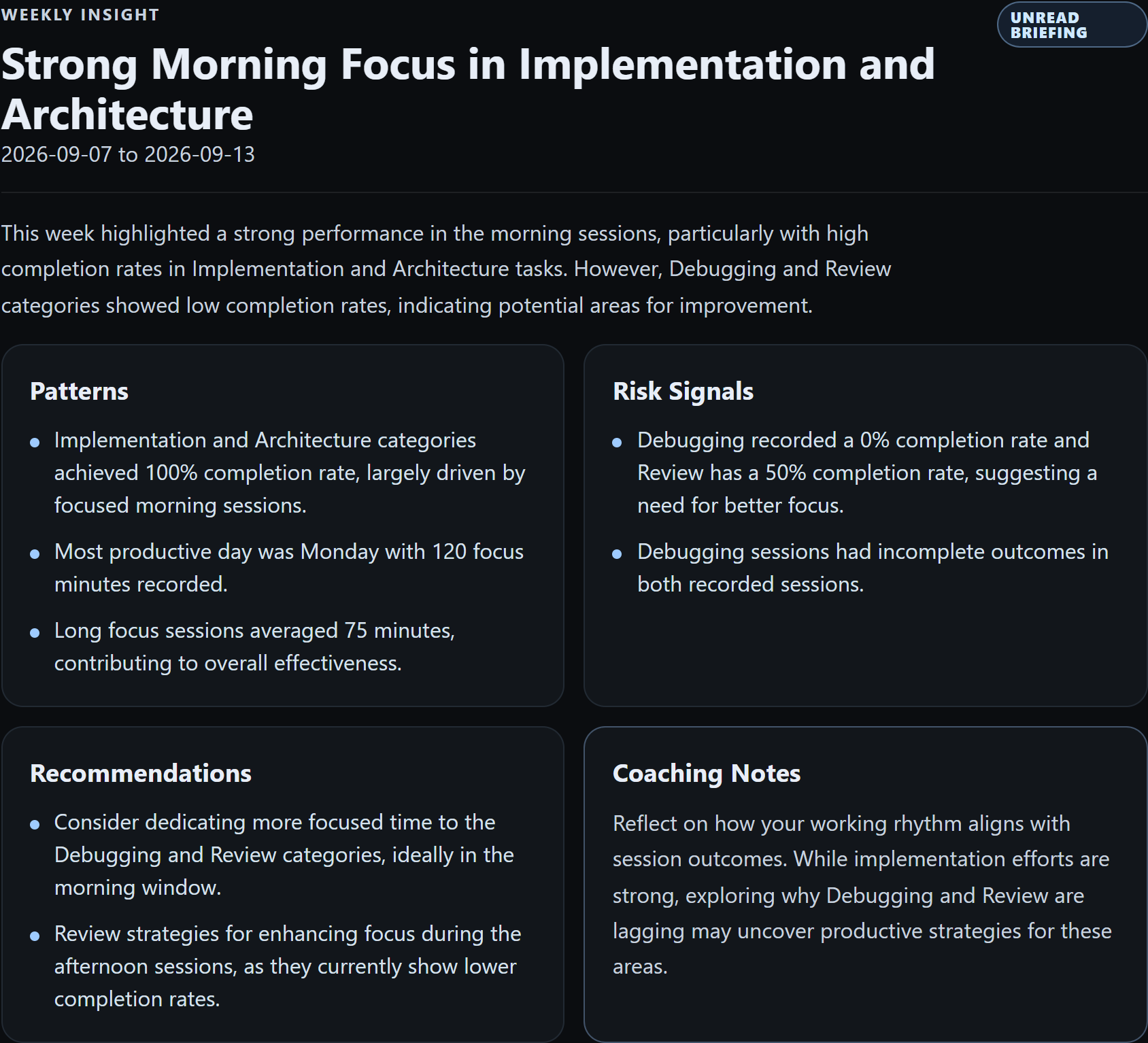
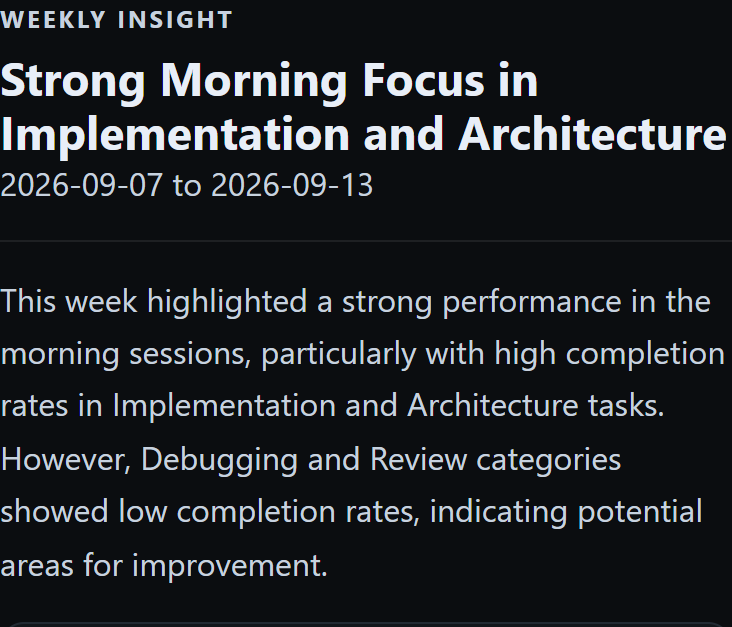
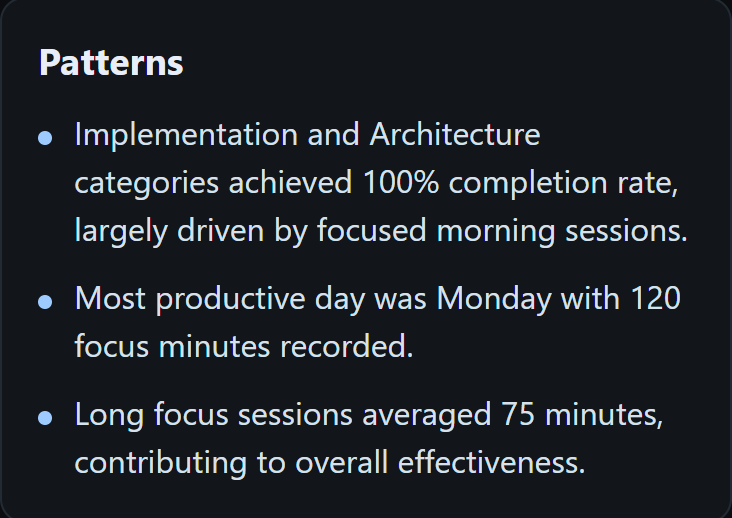
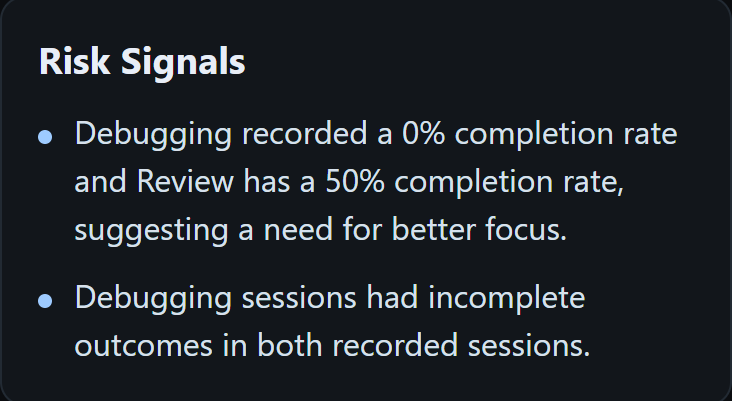
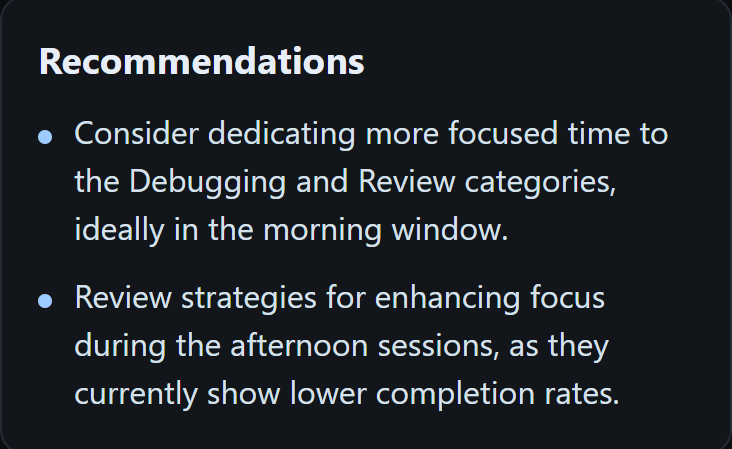
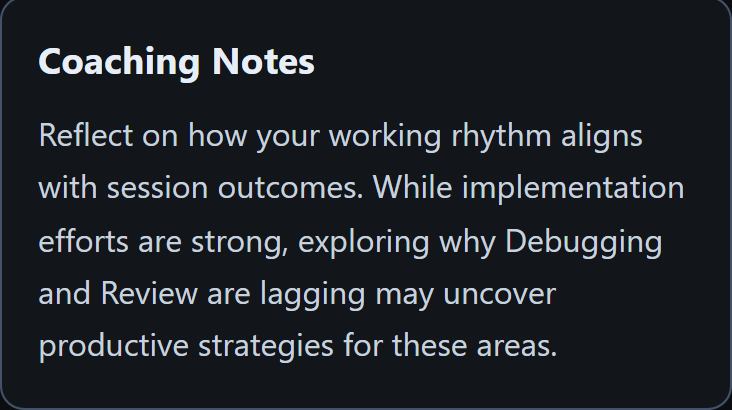
AI Briefings interpret bounded Focus evidence through Patterns, Risk Signals, Recommendations and Coaching Notes, giving you observations to consider while the technical judgement remains yours.
Together, these views turn the Focus sessions you choose to record into personal evidence about the conditions around difficult technical work and the pattern you may want to repeat, change or protect.
Explore the FlowQuota productSee the weekly structure around complex work.
Stand-ups, pairing, reviews and design discussions all matter. The problem is not that collaboration exists. It is that commitments distributed across the day can leave technically demanding work without a usable block.
Calendar Intelligence places selected Google Calendar context beside the FlowQuota sessions you deliberately recorded. Review scheduled time, between-event gaps, overlap and Protected Focus alongside those recorded sessions.
The two records remain separate. A calendar event is scheduled context, not recorded Focus. The value comes from examining the structure clearly enough to make a better decision about the next week.
- When were longer Focus sessions recorded?
- Where were calendar commitments most concentrated?
- Which Protected Focus blocks aligned with recorded sessions?

Understand the recorded pattern without reconstructing the week from memory.
Reporting
Reporting organises the Focus sessions you recorded across projects, categories, days and times. Use it to examine when sessions associated with technical work were recorded and where your deliberate attention went.
Focus Score
Focus Score turns defined signals from the current rolling 14-day window into a deterministic, non-AI score from 0 to 100. Use the headline score for direction, then inspect the five components to see what is shaping the result.
Focus Score measures recorded Focus behaviour. It does not score coding ability, code quality or engineering impact.
When code comes faster, protect the judgement around it.
AI coding tools can accelerate parts of implementation. Faster code generation does not remove the need to specify the right change, review what was produced, understand its effects and decide what should enter the system.
FlowQuota helps you examine the Focus pattern around the technical work you chose to record. Once there is enough recorded evidence, a weekly AI Briefing can surface Patterns, Risk Signals, Recommendations and Coaching Notes.
FlowQuota calculates the underlying product facts first. AI then interprets only the bounded evidence supplied by FlowQuota. You decide whether a suggestion fits your technical priorities.
Questions developers ask before trying FlowQuota.
How can I be more productive as a software developer?
Developer productivity is not simply a matter of writing code faster. Complex implementation, debugging, architecture and review all depend on having enough sustained attention to think clearly. FlowQuota helps you record the Focus sessions you choose, examine the patterns across them and make better-informed decisions about when to protect demanding technical work. It does not score your code or claim to measure engineering output.
How can I stay focused while coding?
Start by making important coding work deliberate rather than leaving it to whatever time remains between meetings and messages. FlowQuota gives that chosen work a structured Focus session and builds personal evidence across completion, consistency, timing and working patterns. It cannot remove every interruption, but it can help you understand how focused technical work fits into your week and what conditions may be worth protecting.
How is FlowQuota different from a developer timer, task manager or time tracker?
A timer structures a session. Task managers organise planned work, and passive trackers capture activity. FlowQuota uses deliberately recorded Focus to build a personal evidence layer: Reporting reveals patterns, Focus Score summarises recent behaviour and AI Briefings help you consider what to adjust next.
Do I need to monitor or track my whole working day?
No. Record only the technical work you want represented. Those sessions can contribute to Reporting, the deterministic Focus Score and, when enough meaningful Focus data exists, weekly AI Briefings. Time you do not record remains outside that evidence.
How do Focus Score, AI Briefings and Calendar Intelligence work together?
Calendar Intelligence places selected commitments beside recorded Focus as separate context. Focus Score summarises defined signals from your rolling 14-day record without AI. AI Briefings interpret bounded Focus evidence through Patterns, Risk Signals, Recommendations and Coaching Notes. You decide what the combined picture means.
Can I use FlowQuota alongside AI coding tools without giving it access to my code?
Yes. FlowQuota records the Focus sessions you choose, not the tool that produced the code. It does not inspect prompts, source code, IDE activity, repositories or agent output. Review, verification and integration remain technical work whose Focus you may choose to record.
Give difficult technical work a stronger place in your week.
Start with one implementation, debugging, architecture or review session that deserves sustained attention. Record the Focus you choose to give it, let the evidence build and use the resulting pattern to decide what you want to repeat, change or protect next.